
WindowCue 1.1 is here! 🙌
WindowCue 1.1 is live on the Microsoft Store, with a compact arrow tab that’s easier to reopen and frees up desktop space when collapsed.
 View full size
WindowCue 1.1 is now live on the Microsoft Store, and the collapsed sidebar has a new look!
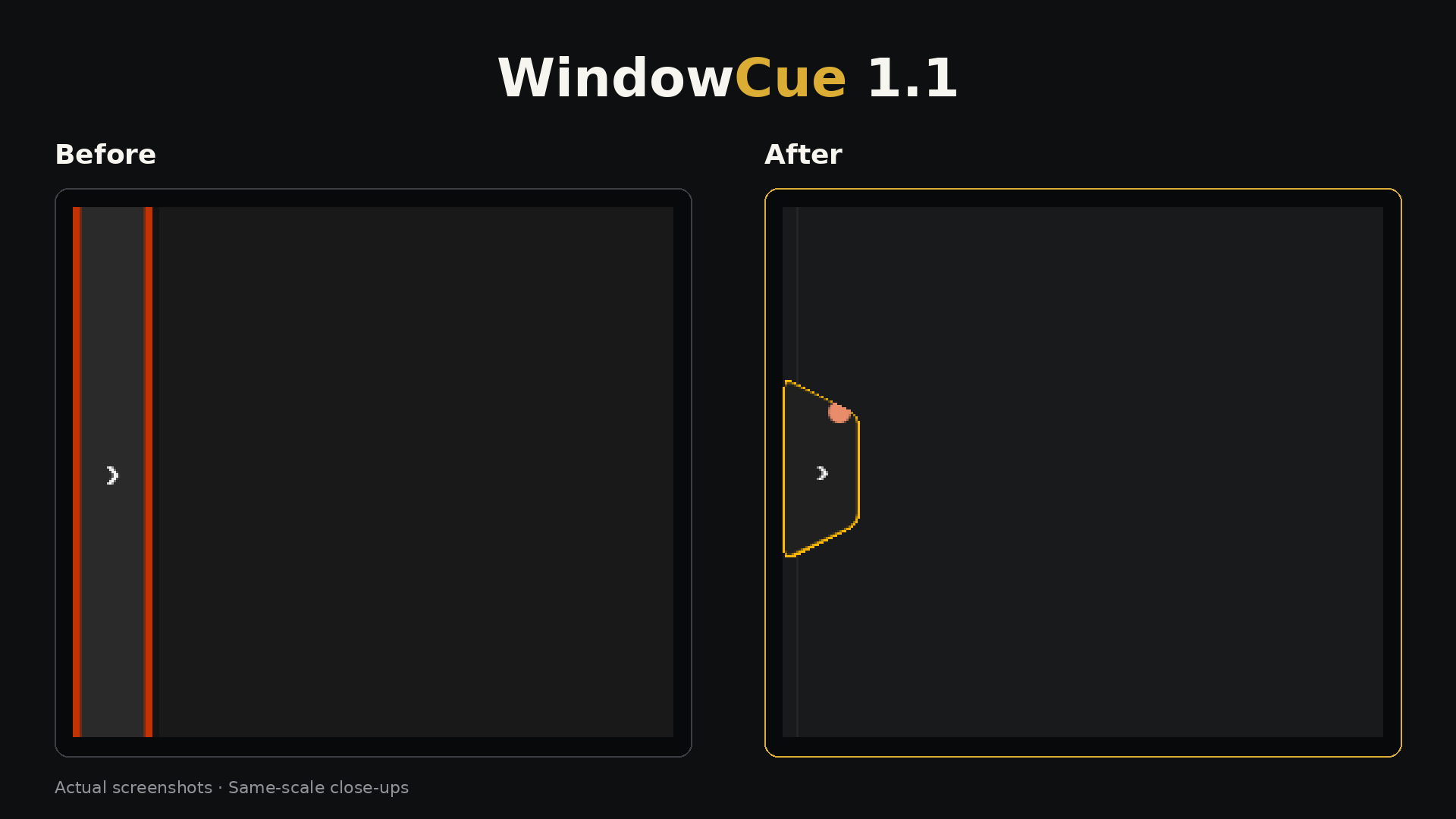
The old thin strip has been replaced with a compact arrow tab. It’s easier to spot when you want to reopen the sidebar, while taking up less of the screen when you’re focused on something else. It also no longer reserves desktop space while collapsed, so you get that room back until you need your overview again.
The before-and-after image gives you a closer look at the change. It’s a small part of the app, but one you’ll interact with regularly if you like keeping the sidebar tucked away.
If you haven’t tried WindowCue yet, it gives you a visual overview of your open windows, with titles, app icons and previews where Windows makes them available. You can find the window you need and switch back to it without digging through everything you have open.
I’ve also updated my own installed copy through the Microsoft Store, and everything carried over, including my settings and previews. Always nice when you can update and get straight back to using it haha.
One tip if you’re updating: close WindowCue first. The Store gave me a “Retry” message while the app was still open, but once I closed it, the update went through. A smoother update experience is something I want to improve for V2.
Take a look at the comparison above, and check out WindowCue if you’d like to give it a try!