 TALES N TOOLS
Overlay or reserved space
Let WindowCue float over the desktop edge, or reserve work area so maximized windows leave room for it.
WindowCue places a visual list of open windows along the edge of your desktop. Preview what is open, find the right window, and switch back without losing your place.
Windows 10 and 11 · x64 · Signed installer · Published by Tales N Tools LLC
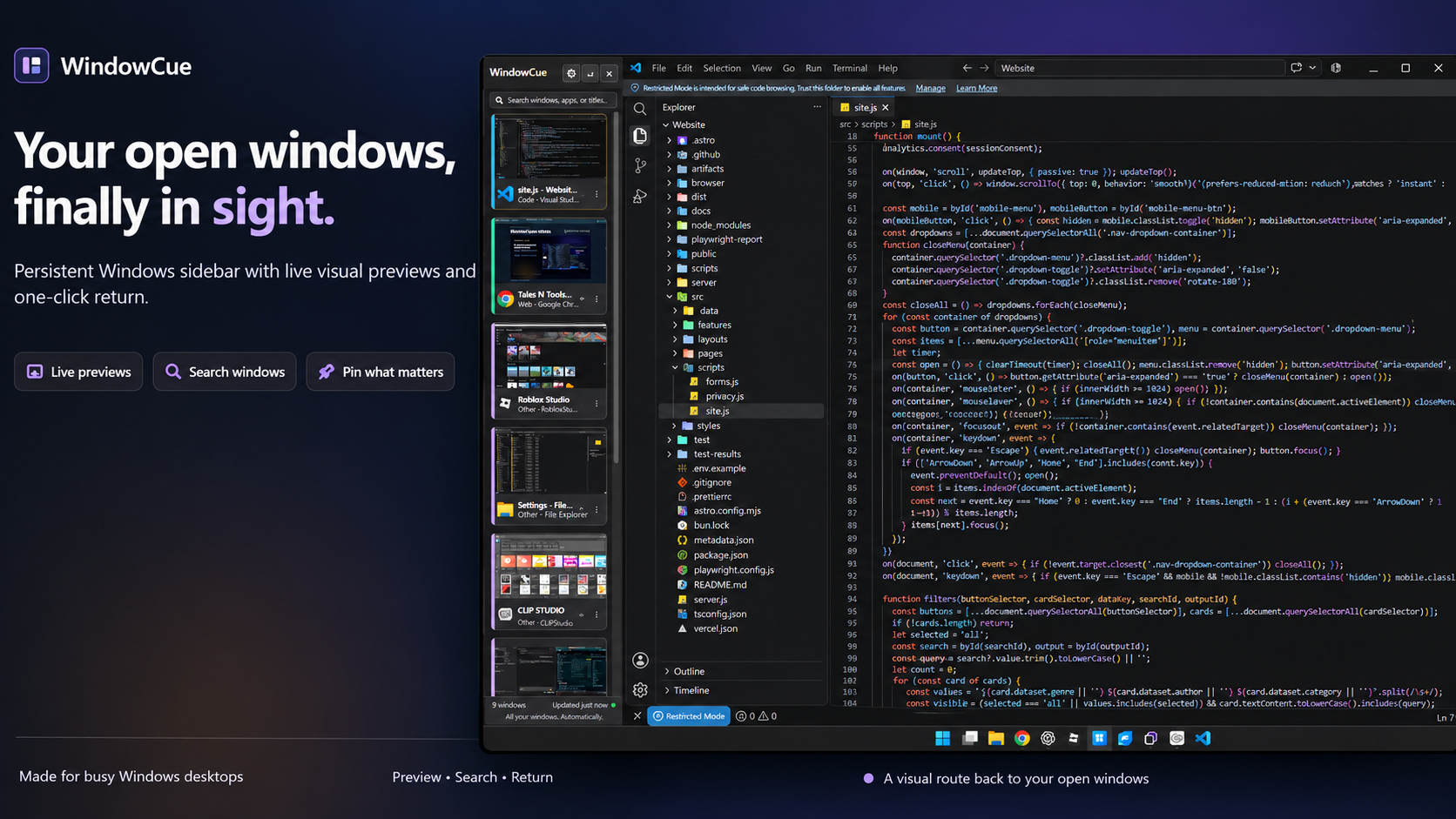
Instead of scanning the taskbar for a title, glance at WindowCue’s sidebar. Each tile combines an app icon, title, and preview when Windows makes one available.
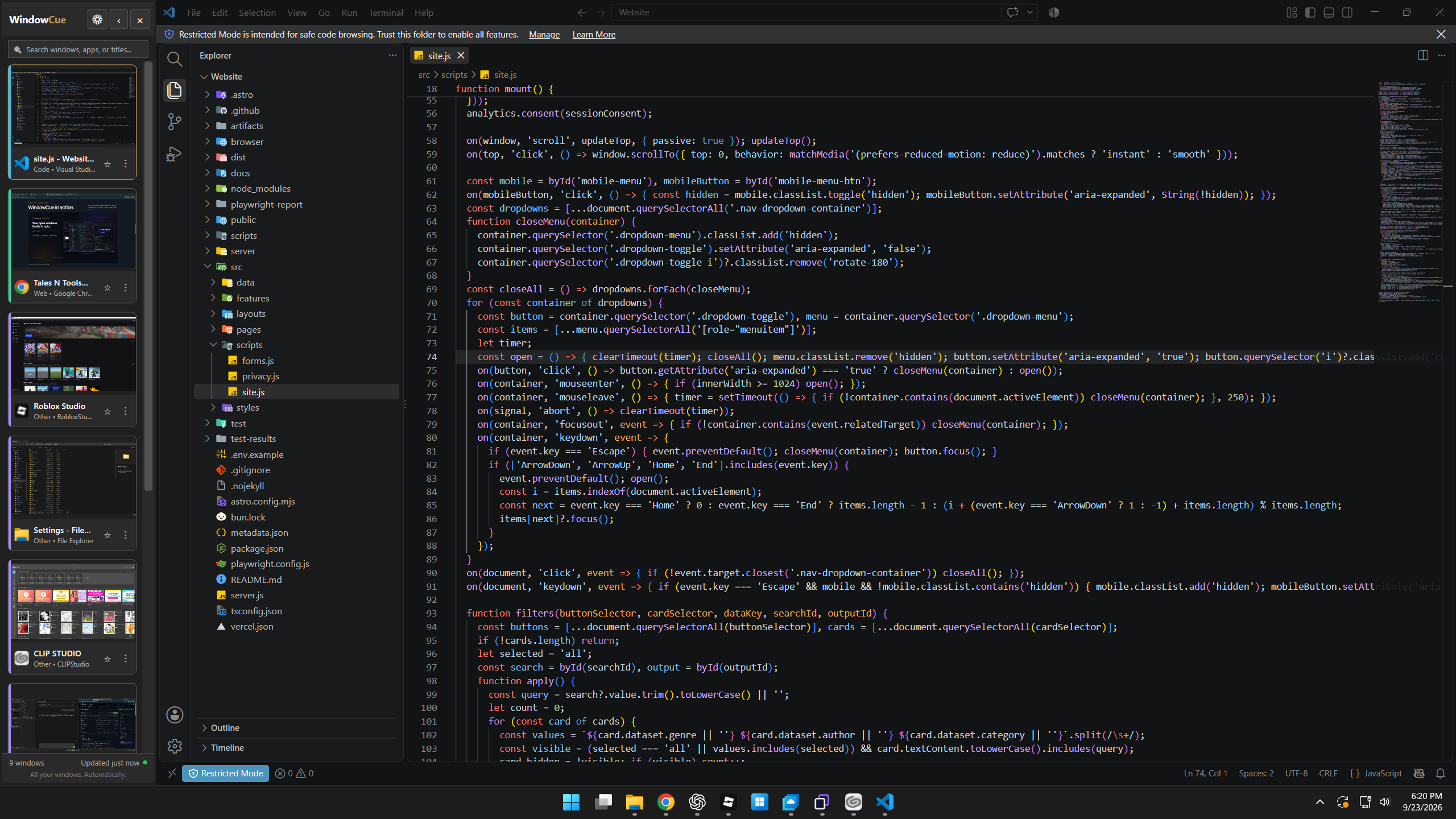
Keep the sidebar on the edge that works for you, on the monitor you choose.
Let WindowCue float over the desktop edge, or reserve work area so maximized windows leave room for it.
WindowCue runs on your PC. It does not send your window contents to a server or include analytics.
Choose the dock side, width, theme, and whether WindowCue starts when you sign in.
Live thumbnails use Windows Desktop Window Manager. Some minimized or protected windows may not provide a live preview.
The current price and any offer are shown on Gumroad. Support: support@talesntools.com.