Studio update: WindowCue testing and a clearer website
October 19–25: progress on the next WindowCue update, refinements to the free sheet editors and better recovery for older website links.
This week was mostly about getting the next WindowCue update ready and making the website a little easier to use. Here’s the update for October 19–25, 2026.
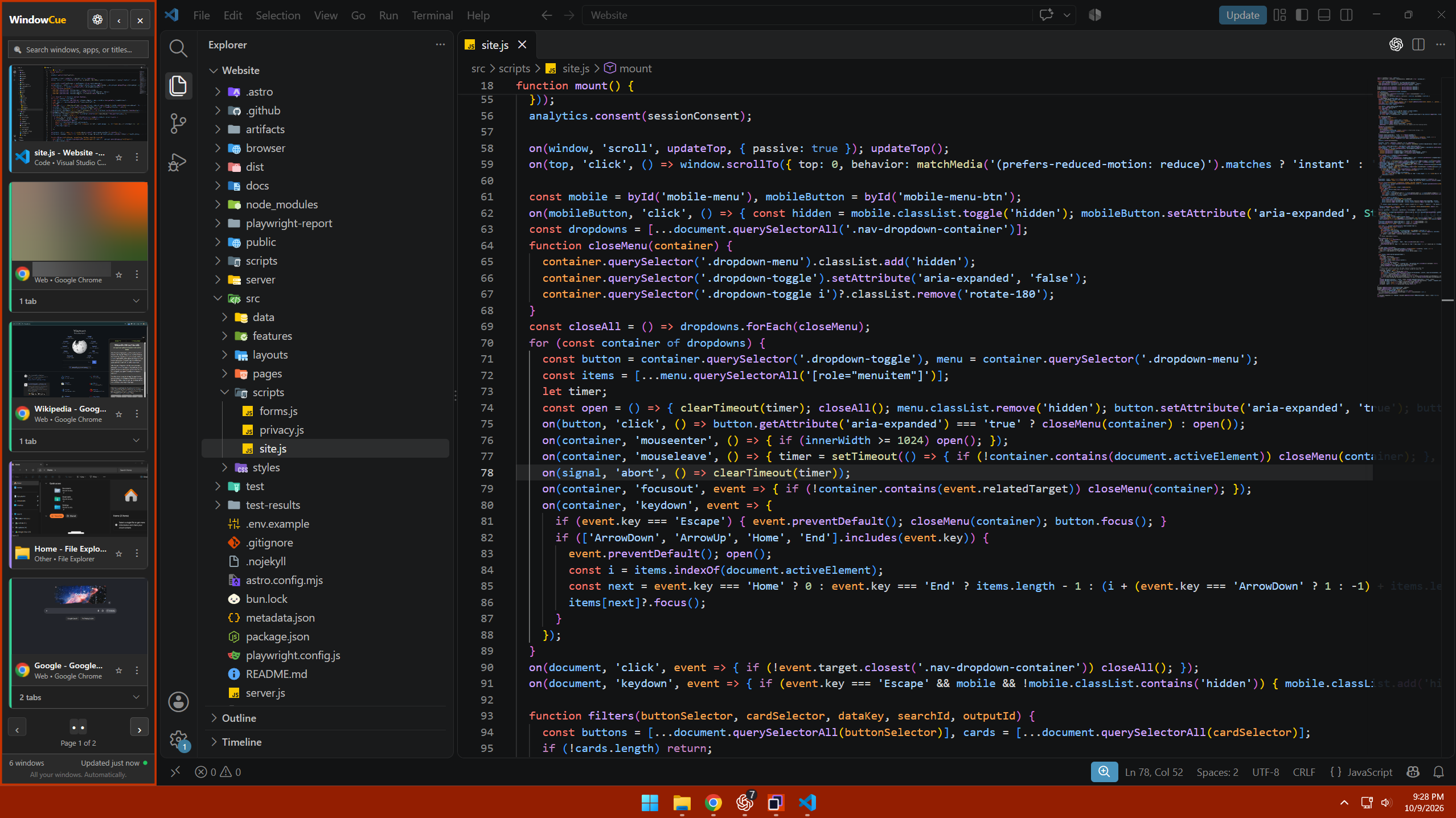
WindowCue: the next update is still in testing
The WindowCue 1.1.2 candidate has been built and packaged, and the package checks have passed.
There is still work to do before release, including checking that pinned-window state survives the update and completing the remaining installed-update checks. Version 1.1.2 has not been submitted to Microsoft or released, and there isn’t a release date to announce yet.
WindowCue is already available on the Microsoft Store. The 1.1.1 release notes cover the earlier release; those changes weren’t newly shipped this week. For current availability and compatibility, check the Store listing.
A clearer website for everyday use
The WindowCue page now includes more guidance for streamers who keep a windowed game, chat and other apps open together. WindowCue helps organize those windows. Your streaming software and capture settings still determine what viewers see, so it’s worth checking your scene before going live.
The free character sheet and location sheet editors also received layout and control refinements, including clearer field-selection counts and export controls. Drafts stay in the browser you’re using; a downloaded JSON backup is the way to keep a separate copy.
A few older privacy, terms and contact links now redirect to their current pages. Missing pages also have a clearer route back into the site, with a new book-themed illustration.
What’s next
The immediate focus is finishing the WindowCue update checks before submission. There’s no new download to install from this post.
If you’re using WindowCue and something feels awkward or doesn’t work as expected, send feedback with your app version and the steps involved. Please remove private window titles or document contents from any screenshots first.