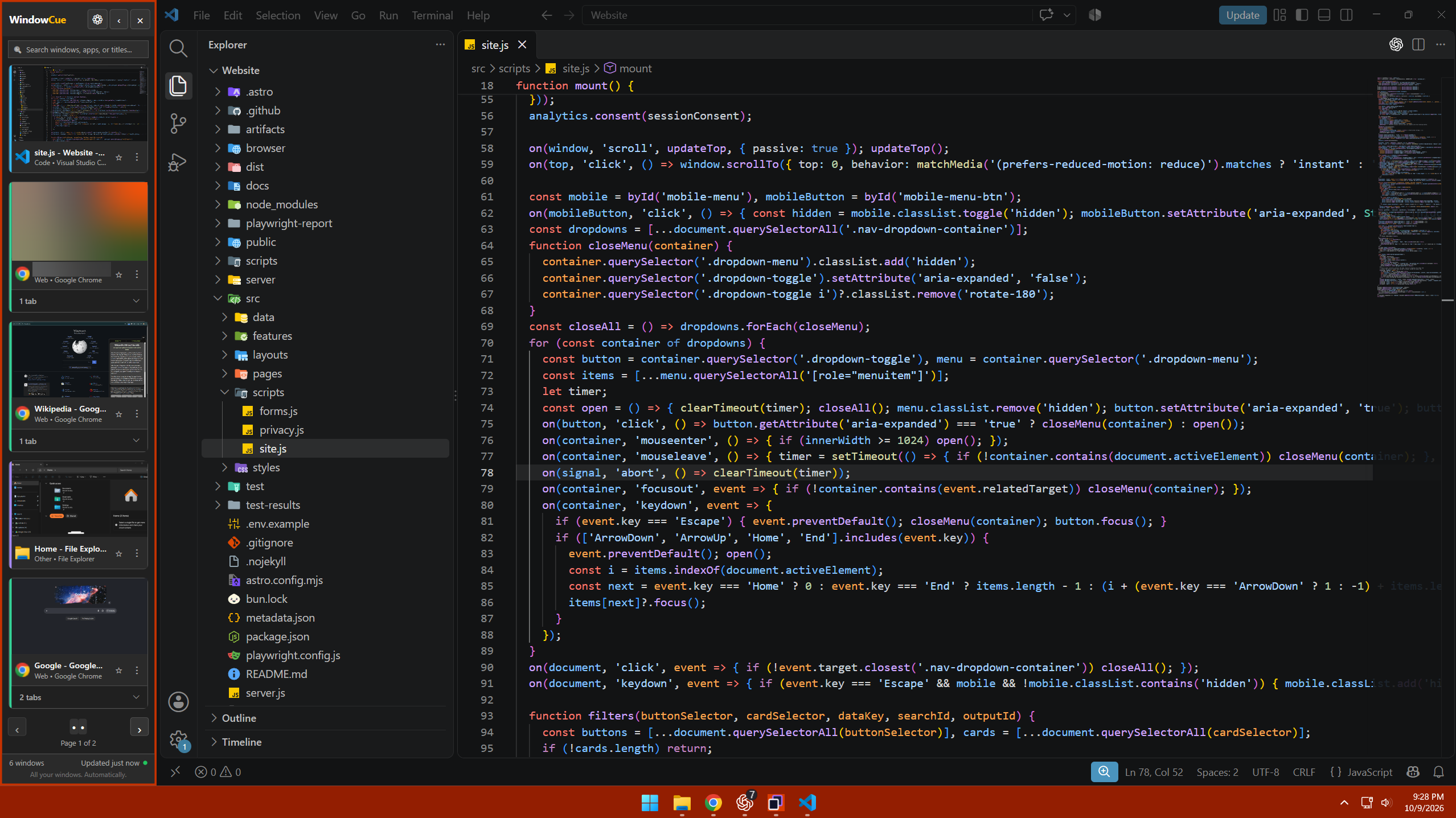
WindowCue 1.1.1 is here!
A fix for virtual-desktop spacing, automatic sidebar persistence and a clearer Start with Windows choice.
Updated
WindowCue 1.1.1 is now live on the Microsoft Store! This update focuses on switching between Windows virtual desktops and making the startup choice clearer.
A fix for the virtual-desktop gap
If you use more than one Windows virtual desktop, you may have noticed maximized windows leaving a sidebar-sized gap on another desktop. That issue is fixed in 1.1.1.
WindowCue now stays available across virtual desktops automatically, both when the sidebar is expanded and when it is collapsed. Its window tiles show only the app windows on the desktop you're currently using. The old virtual-desktop checkbox has been removed because this behavior is now automatic.
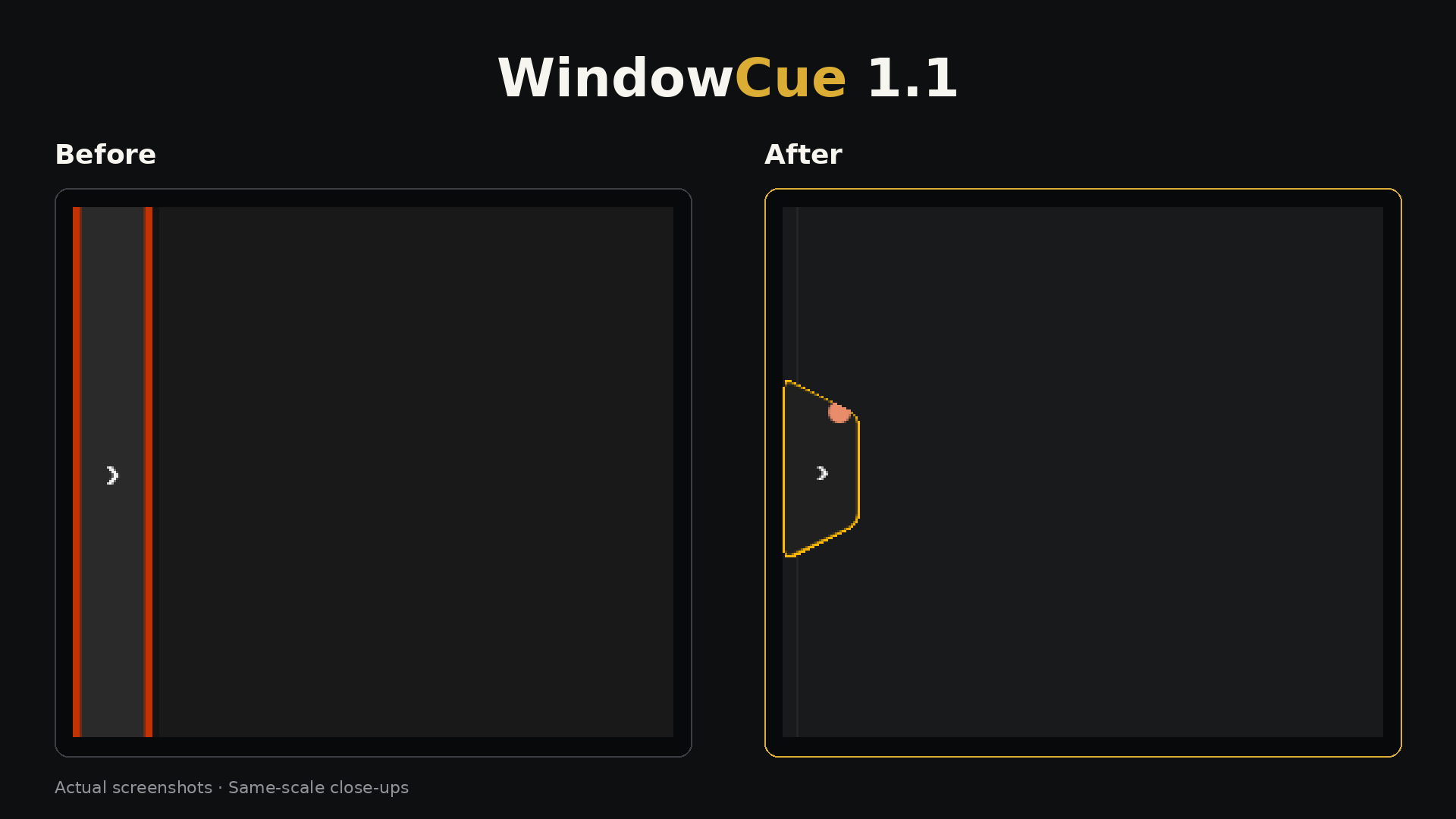
This is a separate fix from the compact arrow tab introduced in WindowCue 1.1, which freed up desktop space while the sidebar was collapsed.
Start with Windows, when you choose
On first launch, WindowCue now recommends starting with Windows and gives you a clear choice: Enable or Not now. Startup stays off until you choose to enable it.
Updating your copy
I've tested the update on both of my PCs. Existing pins, groups and aliases carried over in those checks.
Open Microsoft Store and check for available app updates. If the Store shows “Retry” while WindowCue is open, fully close WindowCue and try the update again. Store rollout timing can vary, so the update may not appear on every device immediately.
WindowCue is available for Windows 11. Check the Microsoft Store listing for compatibility with your PC and the latest availability.
You can find this release and the earlier notes on the Updates page. If something still isn't behaving as expected, contact support with your WindowCue version and the steps that reproduce it.