WindowCue 1.2.0 is here!
Choose List or Grid, find your pins in a dedicated tab, and preview windows inside expanded groups.
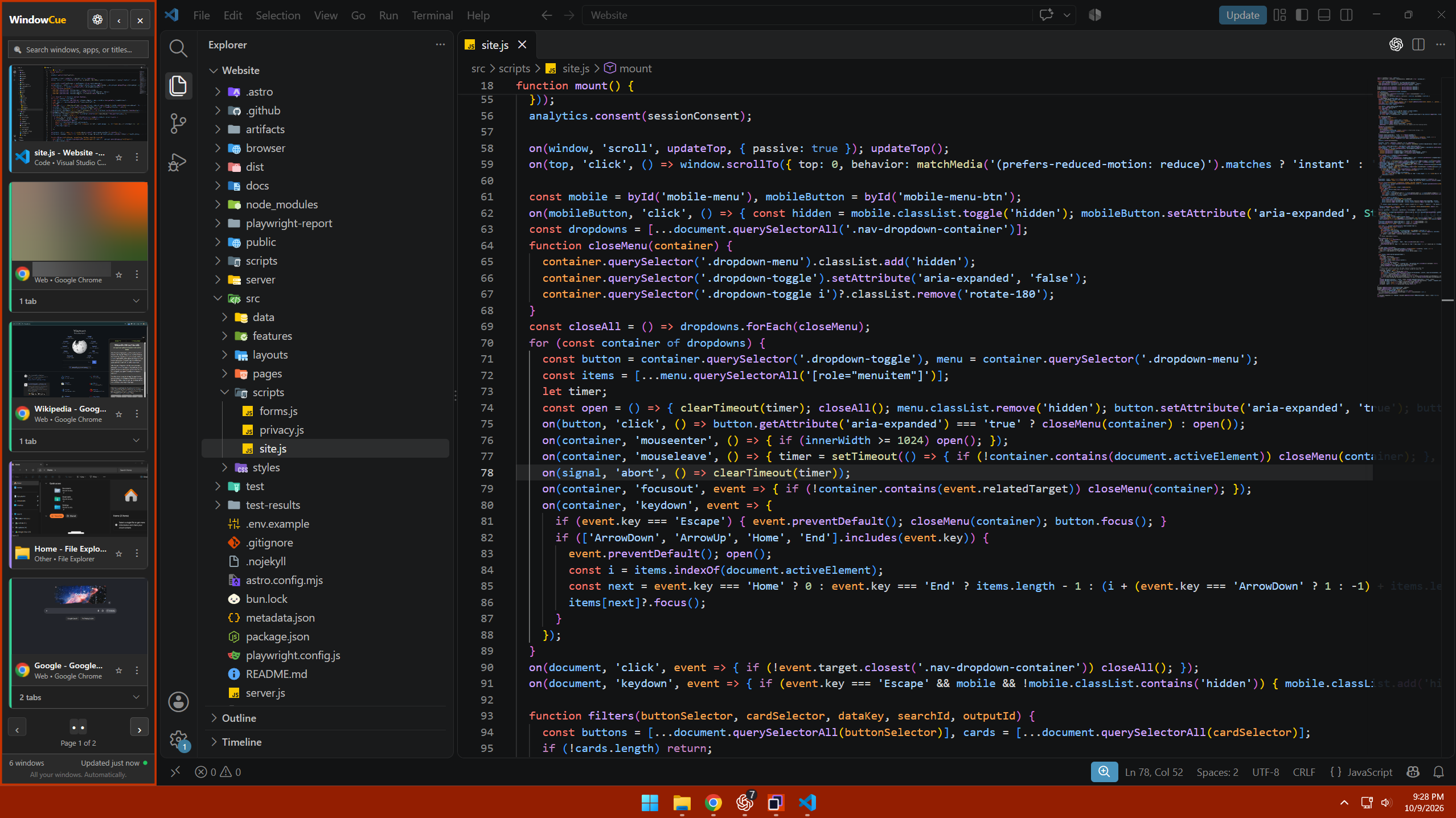
WindowCue 1.2.0 is live on the Microsoft Store! This release gives the sidebar a new layout, a dedicated home for your pinned windows, and a quicker way to find the right window inside a group.
Pick List or Grid
List view keeps your open windows in a single column, which is handy when you want the sidebar to stay narrow. Grid view puts tiles side by side so you can scan more of them at once. Try both with the apps you normally keep open. I’d use List beside a document and Grid when I’m jumping between a browser, editor, and a handful of reference windows.
Go straight to your pins
The new Pinned tab gives your pinned windows their own view. Pin the windows you keep coming back to, then switch to Pinned when you want a shorter list to look through. It’s especially useful for a reference document or dashboard that tends to get buried once the day gets busy.
Preview windows inside a group
Open a group and hover over one of its windows to check the preview, where Windows makes one available. When you find the right one, click it to switch straight to it. That’s useful when two browser or editor windows have nearly identical titles.
Get the update
You can see all three changes in the 1.2.0 trailer. If you already use WindowCue, check for updates in Microsoft Store. If the Store shows “Retry,” quit WindowCue from the Windows system tray and try again. There’s no need to reinstall.
View WindowCue on the Microsoft Store · See earlier releases on the Updates page